Microsoft Copilot Cowork Is Generally Available: Long-Running Agents, Copilot Credits, and a Safe Deployment Playbook
Microsoft Copilot Cowork is generally available for long-running, multi-tool work grounded in Work IQ. This guide covers its architecture, Copilot Credits, plugins, browser use, security, and a practical rollout workflow for creators, marketers, and small businesses.
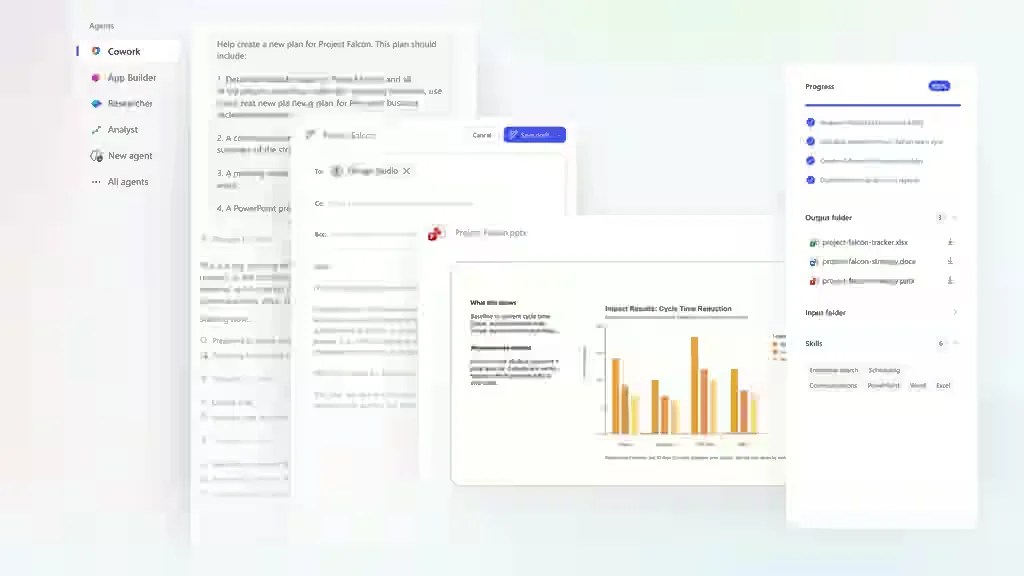
On June 16, 2026, Microsoft announced the worldwide general availability of Copilot Cowork after a three-month Frontier preview. Cowork is designed for long-running, multi-step work rather than a single conversational answer. It can plan, use tools, create files, and continue running in the cloud while the user moves on to other work.
Microsoft says more than half of the Fortune 500 used Cowork during its early phase. The model is also relevant to creators, marketers, agencies, and small teams because it can reduce repeated coordination across email, meetings, files, and planning tools.
The system is not a free autonomous employee. Cowork consumes Copilot Credits based on the model, context, tools, and runtime. Effective deployment therefore requires workflow design, least privilege, source control, and quality measurement.
What changed with Copilot Cowork GA?
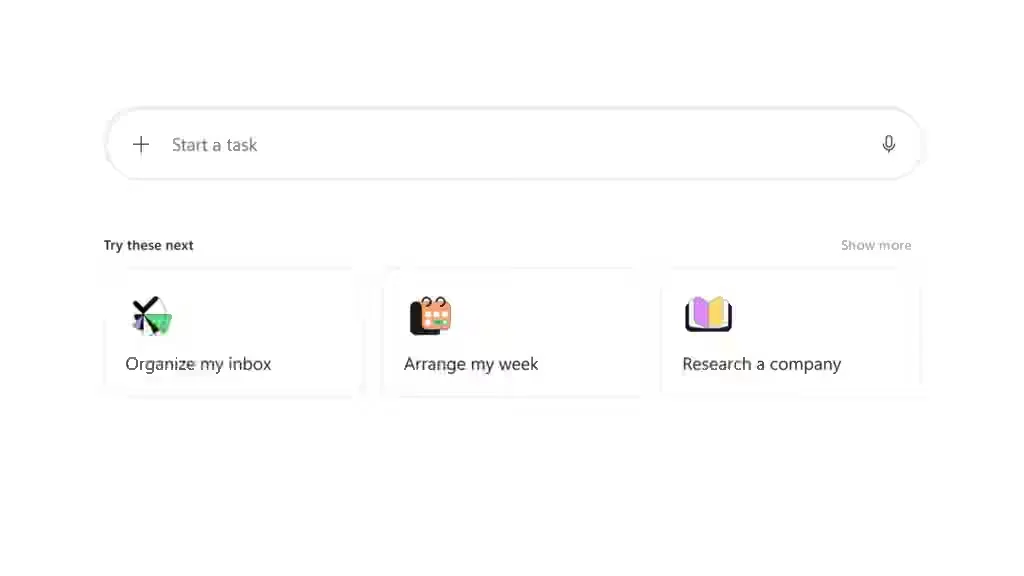
Cowork is now broadly deployable within Microsoft 365. Users can assign an objective, review a plan, and let the system continue working in the cloud. Microsoft emphasizes long-running execution, multi-tool coordination, and organizational context through Work IQ.
Actual availability depends on licensing, tenant configuration, region, policies, and Frontier features. Organizations should verify their own tenant before making Cowork part of a critical process.
How Cowork differs from Copilot Chat and traditional agents
Copilot Chat is ideal for interactive questions and immediate drafting. Cowork is intended for projects with many steps and longer execution. Power Automate remains better for stable deterministic workflows, while Cowork is useful when the path requires reasoning and adaptation.
Use the simplest system that reliably completes the task. A one-step operation should not become an expensive agent workflow.
Work IQ and organizational context
Work IQ connects Microsoft 365 data, relationships, and activity. It can help Cowork understand the current project, related documents, stakeholders, and schedule constraints.
Rich context also creates risk. Overbroad permissions expose unnecessary information, and stale files can mislead the agent. Clean permissions and clear sources of truth are essential.
Why long-running tasks matter to small teams
Cowork can combine meeting notes, plans, campaign data, risk analysis, reports, and presentations in one sequence. The primary benefit is reduced context switching.
A strong task brief should define the outcome, permitted sources, deadline, quality criteria, prohibited actions, and approval gates. Treat the brief as an execution contract rather than an improvised prompt.
Multi-model execution
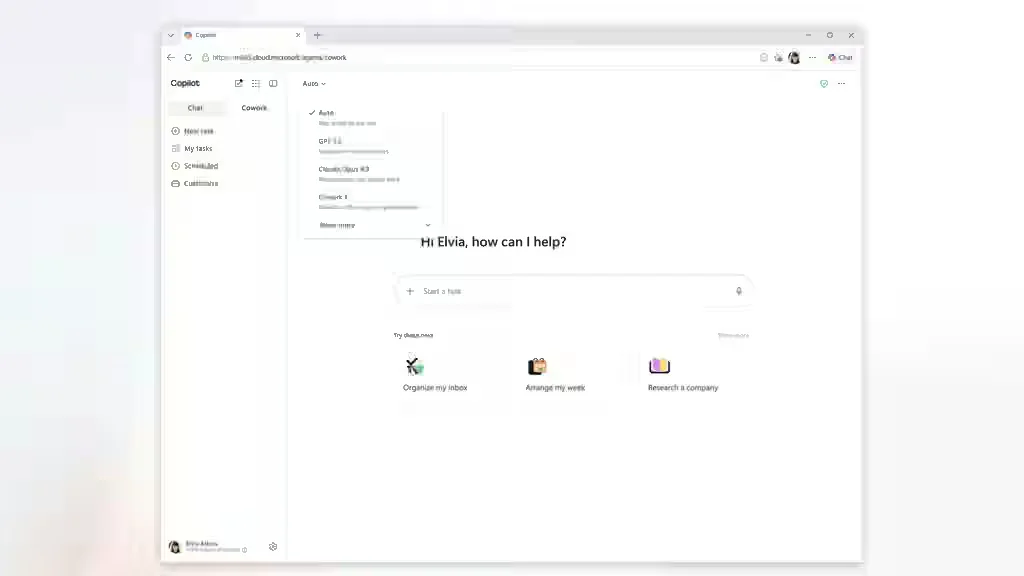
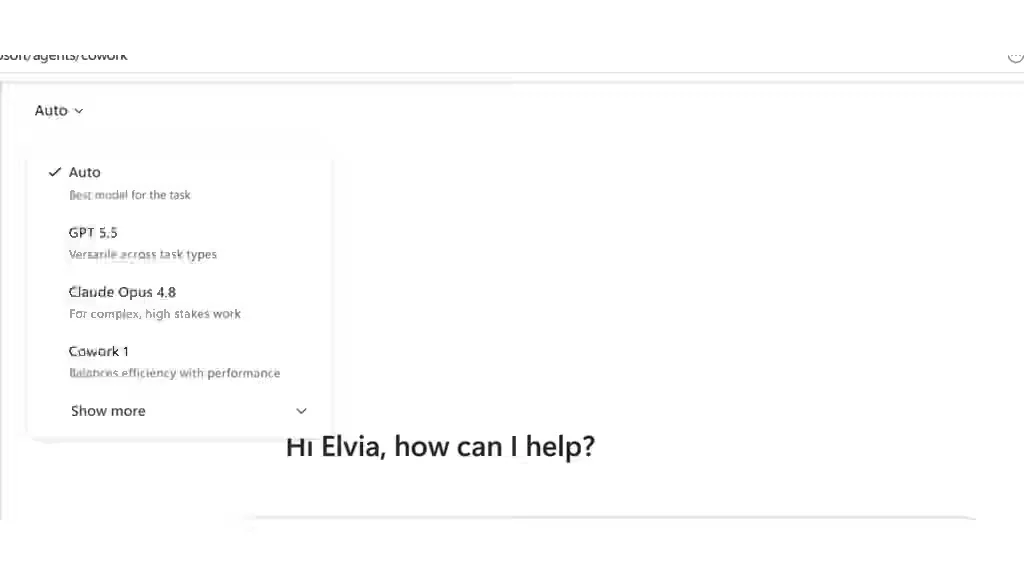
Microsoft describes Cowork as a multi-model system. Different steps can use different models to balance speed, cost, and quality.
Teams should maintain a golden set of representative tasks and rerun it when the system changes. Model routing does not remove the need for evaluation.
How Copilot Credits work
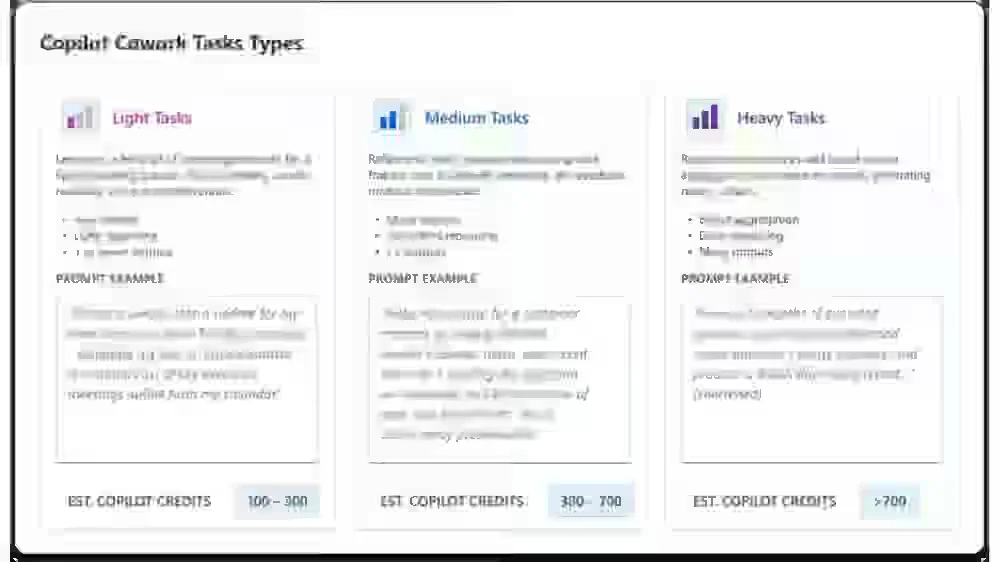
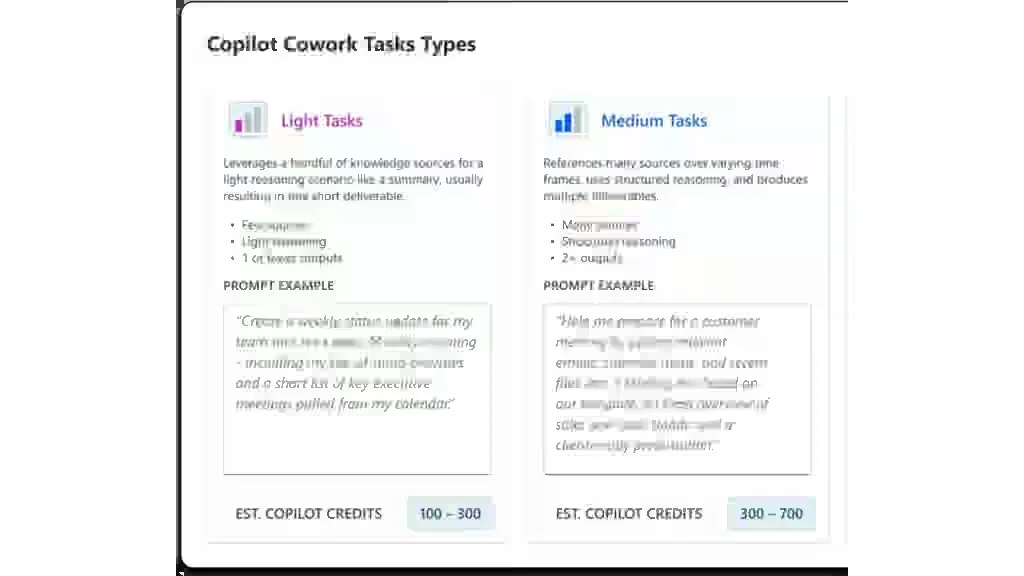
Credit consumption depends on the model, context volume, tools, and runtime. Microsoft’s pay-as-you-go reference price is $0.01 per Copilot Credit, but task-level cost can vary considerably.
Track credits by workflow, user, and business result. A broad request can trigger more context and tool calls than a staged, well-scoped assignment.
Credit budgeting for creators and agencies
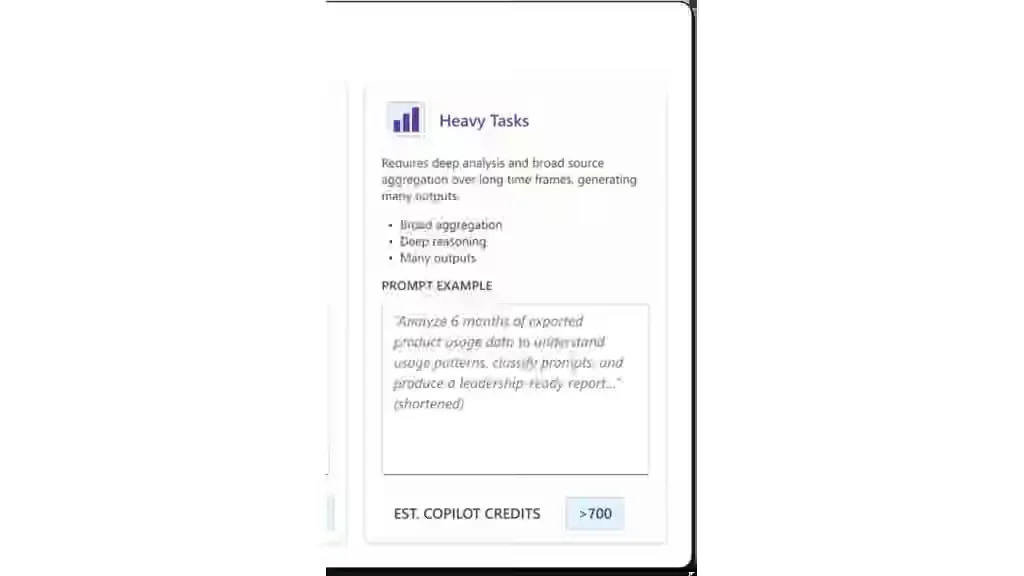
Start with a fixed pilot budget and three to five high-value workflows. Record median credits, execution time, revisions, and acceptance rates.
Create alerts for unusual consumption. Agencies should attribute agent cost to the relevant client so that complex jobs do not silently erode margins.
Plugins and browser use
Cowork supports plugins and browser use through Microsoft Edge in Frontier. These features extend reach beyond Microsoft 365 but also introduce prompt-injection and permission risks.
Use domain allowlists, connector restrictions, and confirmation for write actions. A safe pattern is read first, preview the proposed change, and write only after approval.
Security and compliance
Cowork benefits from Microsoft 365 identity and policy controls, but enterprise integration is not the same as safe default configuration.
Administrators should define allowed users, data boundaries, connectors, logs, and incident response. Apply least privilege, separation of duties, and human review for high-impact actions.
Practical use cases
Useful scenarios include weekly intelligence, campaign readiness, customer insight, content repurposing, meeting follow-through, proposal building, knowledge refresh, and executive briefings.
Every output should preserve traceable evidence rather than relying solely on the agent’s conversation history.
Combining Cowork with VietBoost
External research often begins in the browser. VietBoost can capture official URLs, images, videos, and notes before they are moved into Microsoft 365.
Save and classify the source packet in VietBoost, transfer the cleaned packet to Microsoft 365, let Cowork synthesize it, and then compare the result with the original evidence.
See VietBoost’s production AI-agent safety guide and AI evaluation guide.
A 30-day Cowork pilot
Week one establishes the baseline. Week two runs a read-only pilot on non-sensitive data. Week three adds selected connectors while preserving preview-before-write. Week four compares cost, quality, and operational risk.
Do not scale from a single successful demo. Include failure cases and representative repetitions.
KPIs to monitor
Track completion time, Copilot Credits, revisions, acceptance rate, source traceability, rollback events, and workflow abandonment. For agencies, include margin after credits. For content, include sourced claims, media errors, and time from research to draft.
Business outcomes matter more than document volume.
Common mistakes
Avoid broad tasks, excessive permissions, missing source records, and cost-only measurement. Do not replace deterministic automation with an agent when rules are stable. Do not let one person create and approve a high-risk workflow.
Conclusion
Copilot Cowork GA marks Microsoft’s shift from conversational assistance to persistent, multi-tool work. Work IQ, cloud execution, and enterprise controls can make it a valuable coordination layer.
Use Cowork for reasoning and execution inside Microsoft 365, VietBoost for browser-based capture and provenance, and humans for consequential decisions. This three-layer model provides productivity without surrendering control.
Official sources